
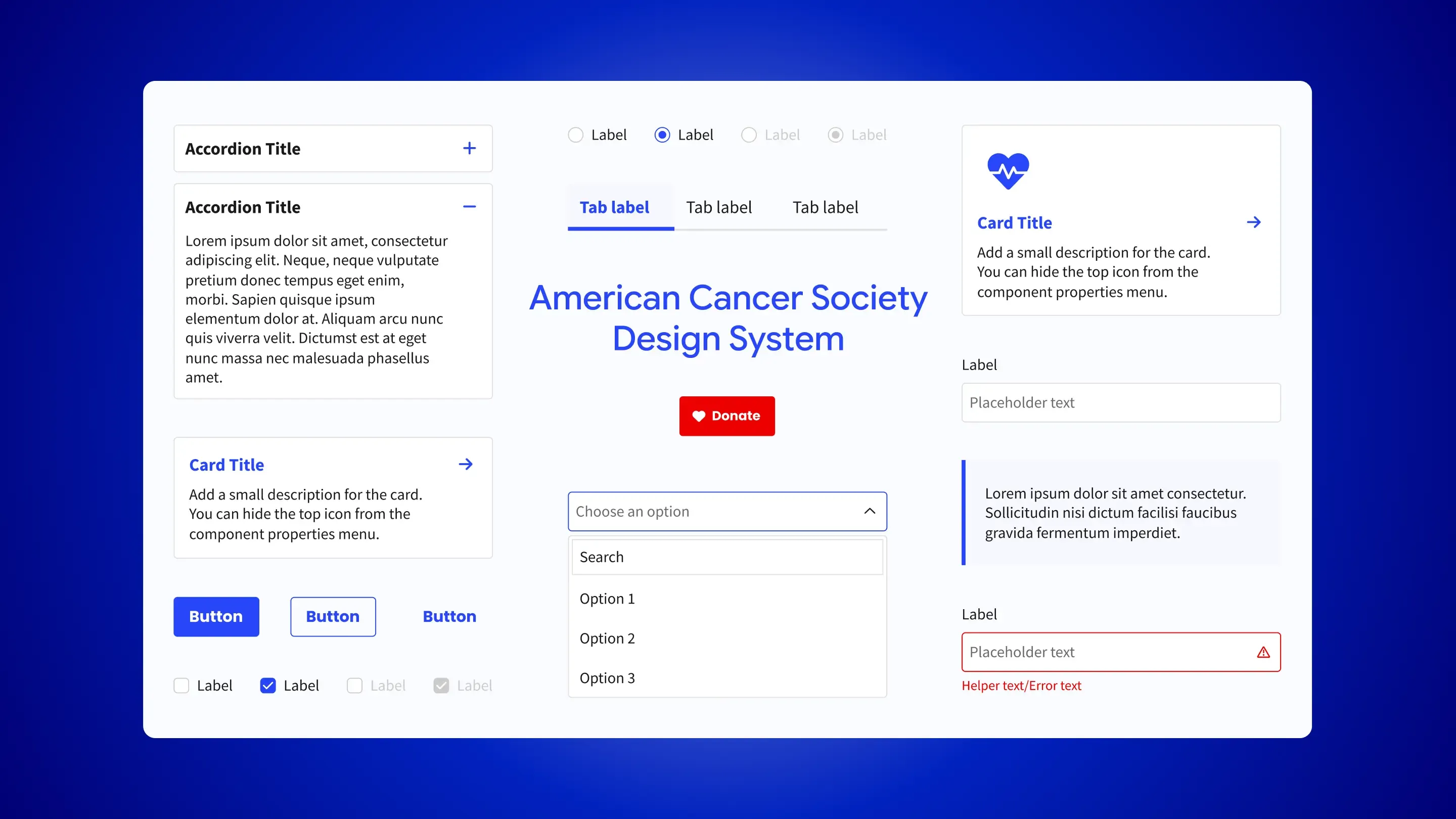
From Fragmented UI to a Scalable Design System
How I consolidated a fragmented component library into a reusable system that improved consistency, speed, and collaboration.
A redesign revealed a bigger opportunity
I joined the American Cancer Society during a website redesign and quickly realized the main challenge wasn't the pages themselves, but the lack of a scalable system. UI components were stuck in static documentation, making them hard to maintain, reuse, and hand off.
Instead of treating these as isolated design issues, I focused on the root cause. I proposed and created a scalable design system that gave teams a shared foundation, supported the redesign, and made future projects easier to build.
The existing UI approach couldn't scale
Component library existed, but couldn't scale
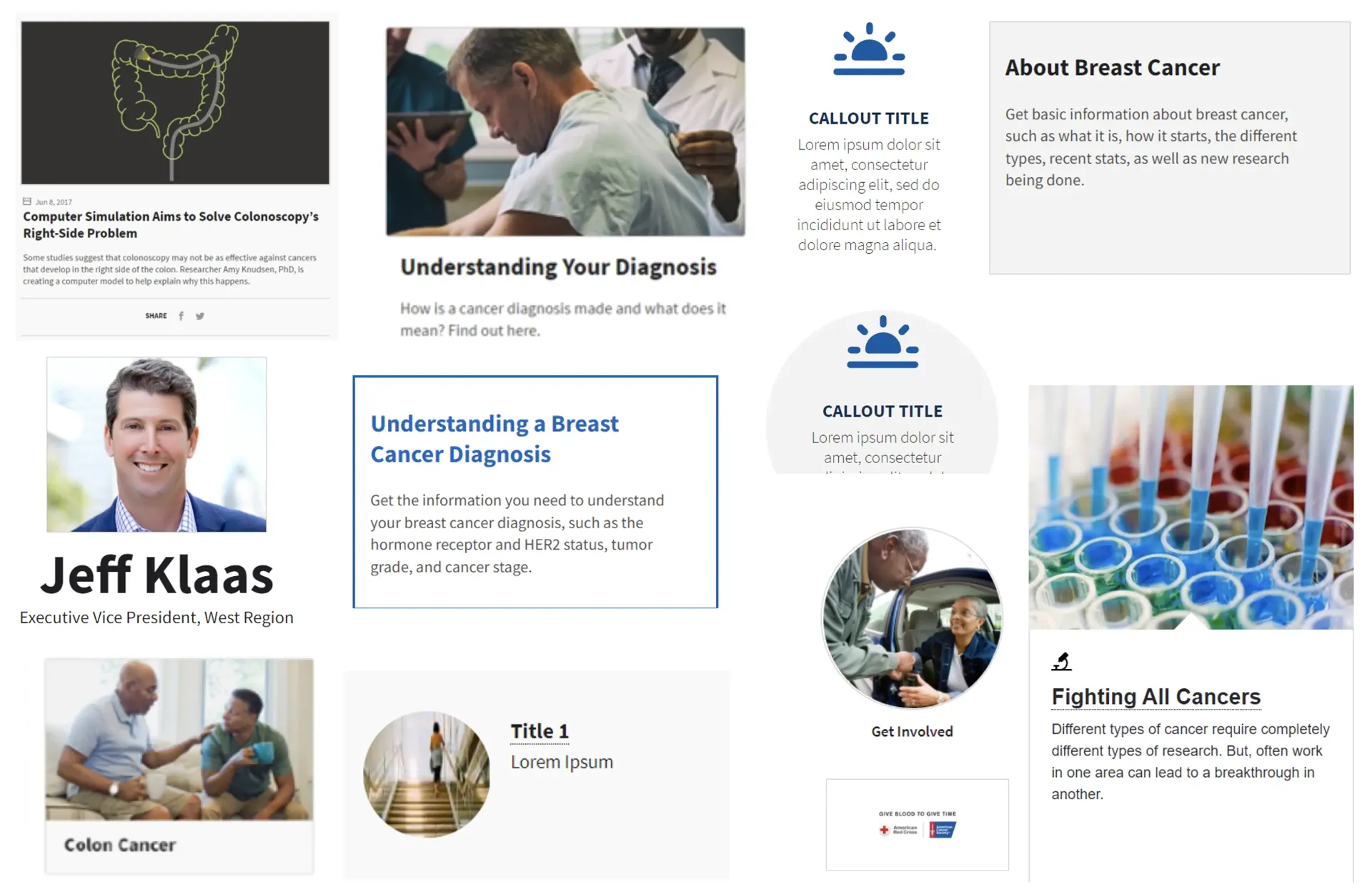
UI components were stored in a static PDF, with no technical details, usage guidelines, or ownership
Rework became the default
Designers and developers interpreted patterns differently, leading to inconsistent interfaces and repeated work
The core issue
The problem wasn't missing components; it was the lack of a scalable system
Starting with what already exists
Before building new components, I audited those already in use. This showed which components teams depended on, where duplication happened, and which patterns to scale or remove.
Basing decisions on real usage made it easier to consolidate and sped up adoption of new components.
Consolidating components before adding new ones
The audit revealed that many components were built for slightly different needs, resulting in a long list of variations that looked different but worked the same.
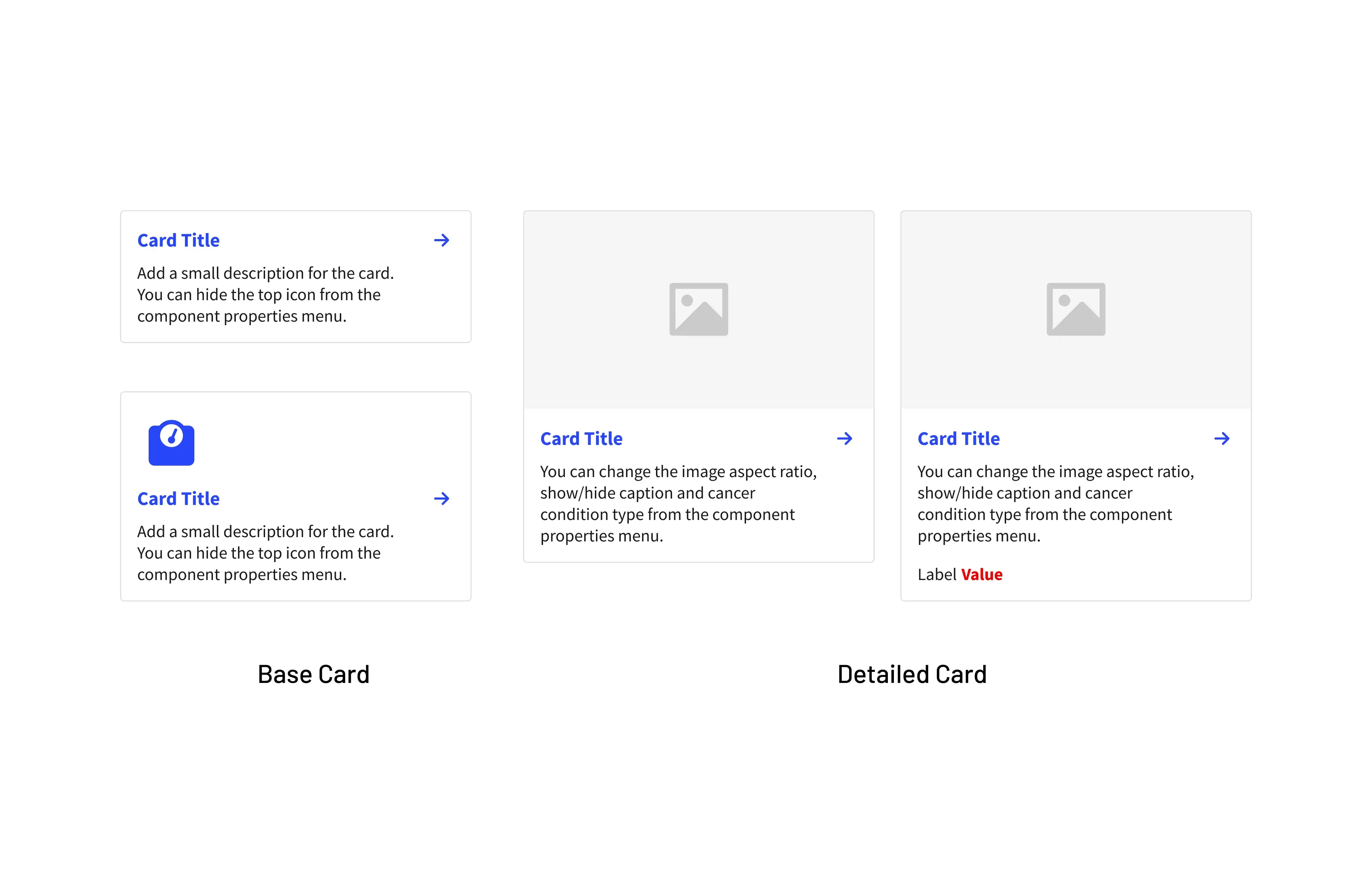
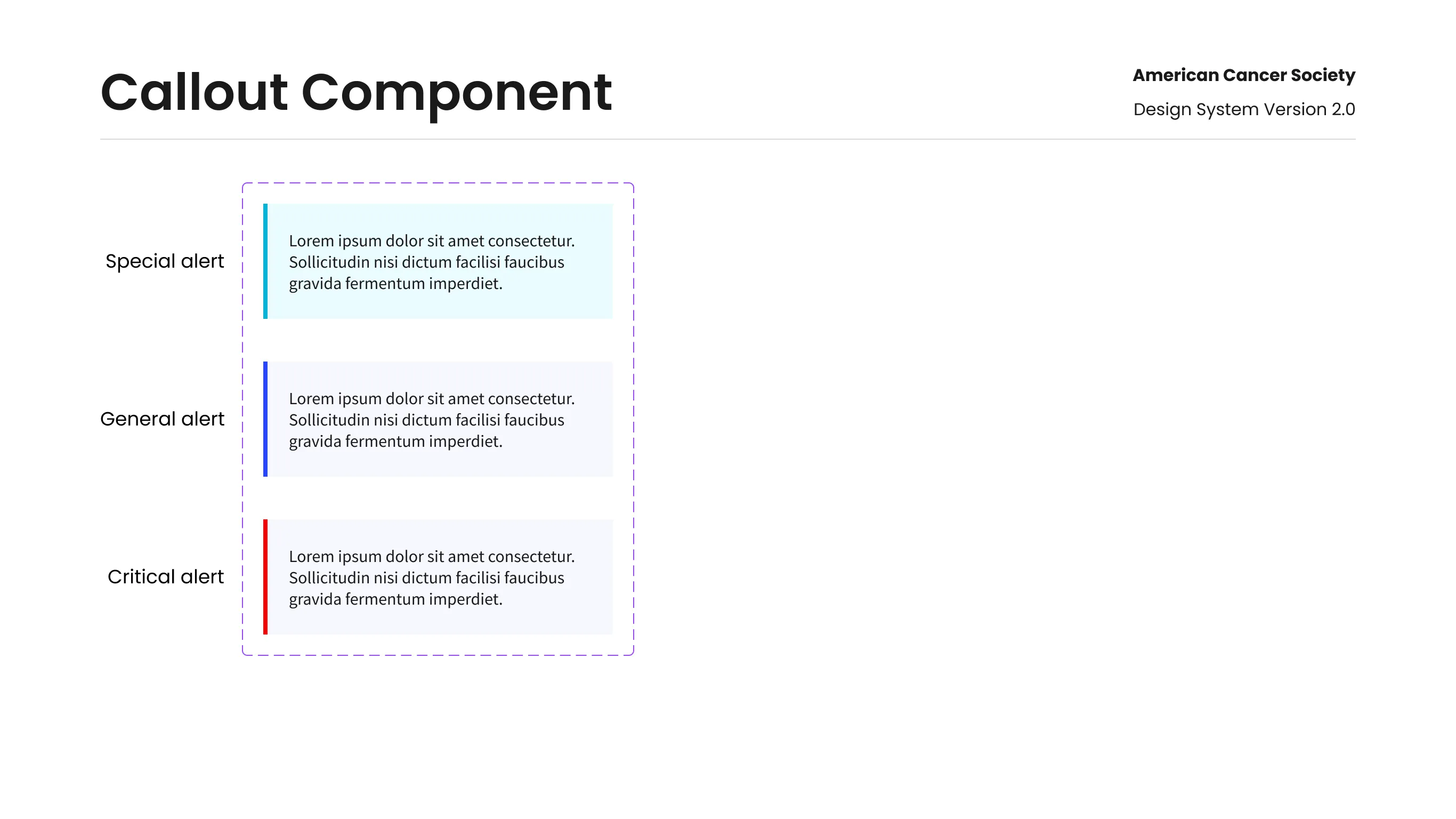
Instead of adding more, I consolidted them into a smaller set of flexible components designed to handle multiple use cases.
Building a scalable structure with Atomic Design
A design system only works if teams see how its pieces fit together. Without a clear structure, even good components are hard to use, maintain, and scale.
From atoms to pages:
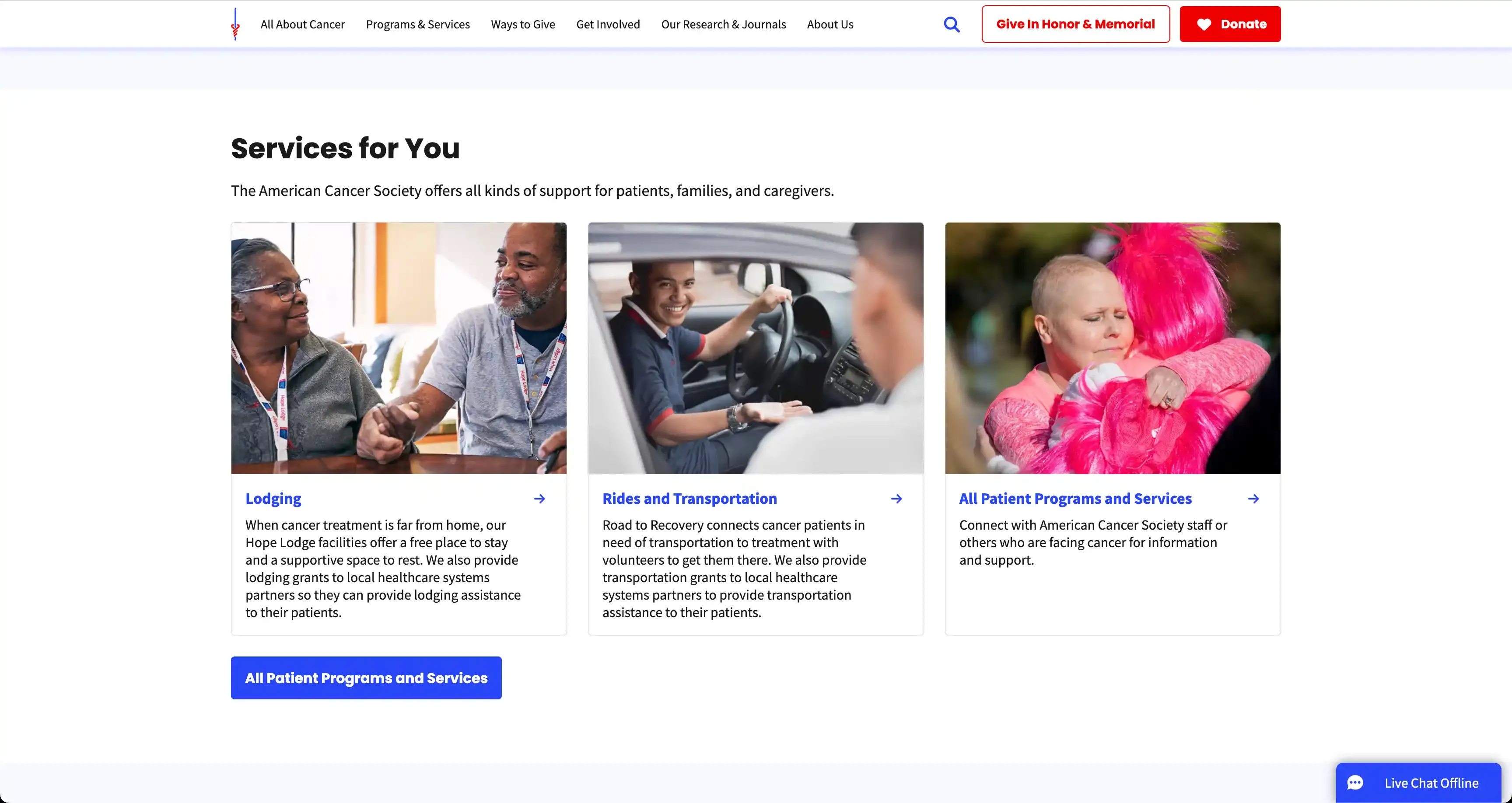
I used Atomic Design to connect foundations, components, and page patterns. This made the system easier to maintain, grow, and reuse.
Reducing handoff friction
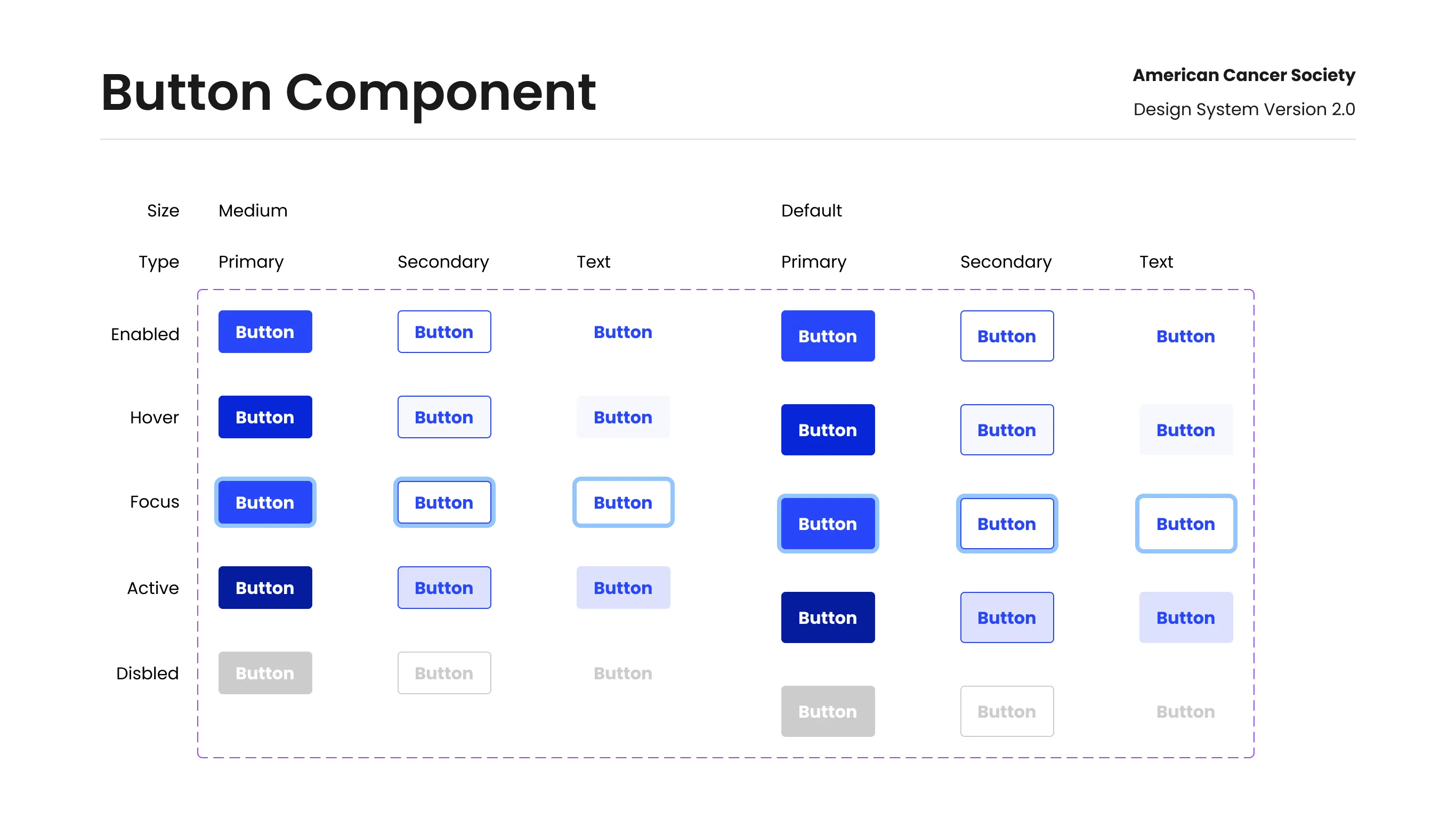
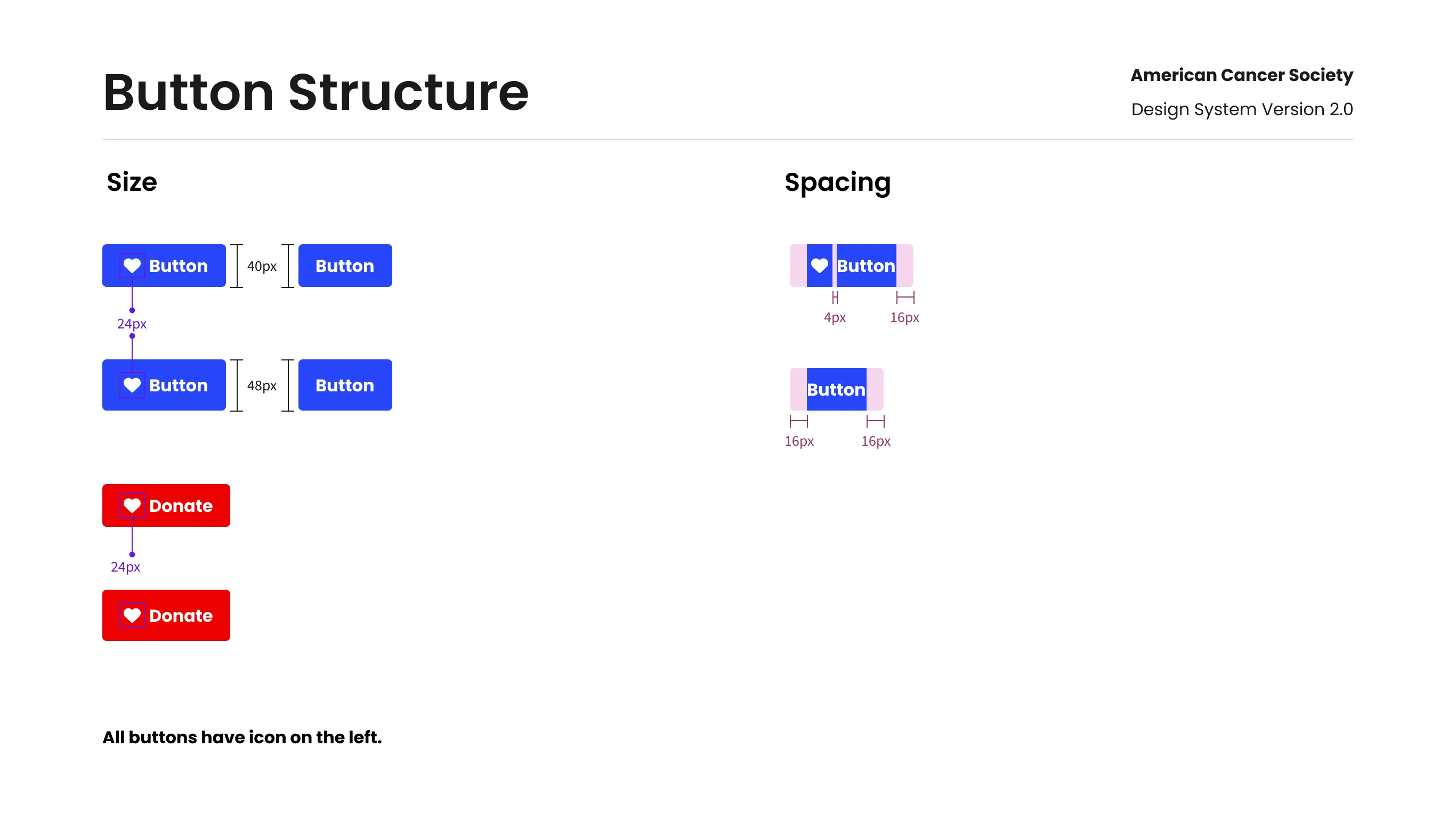
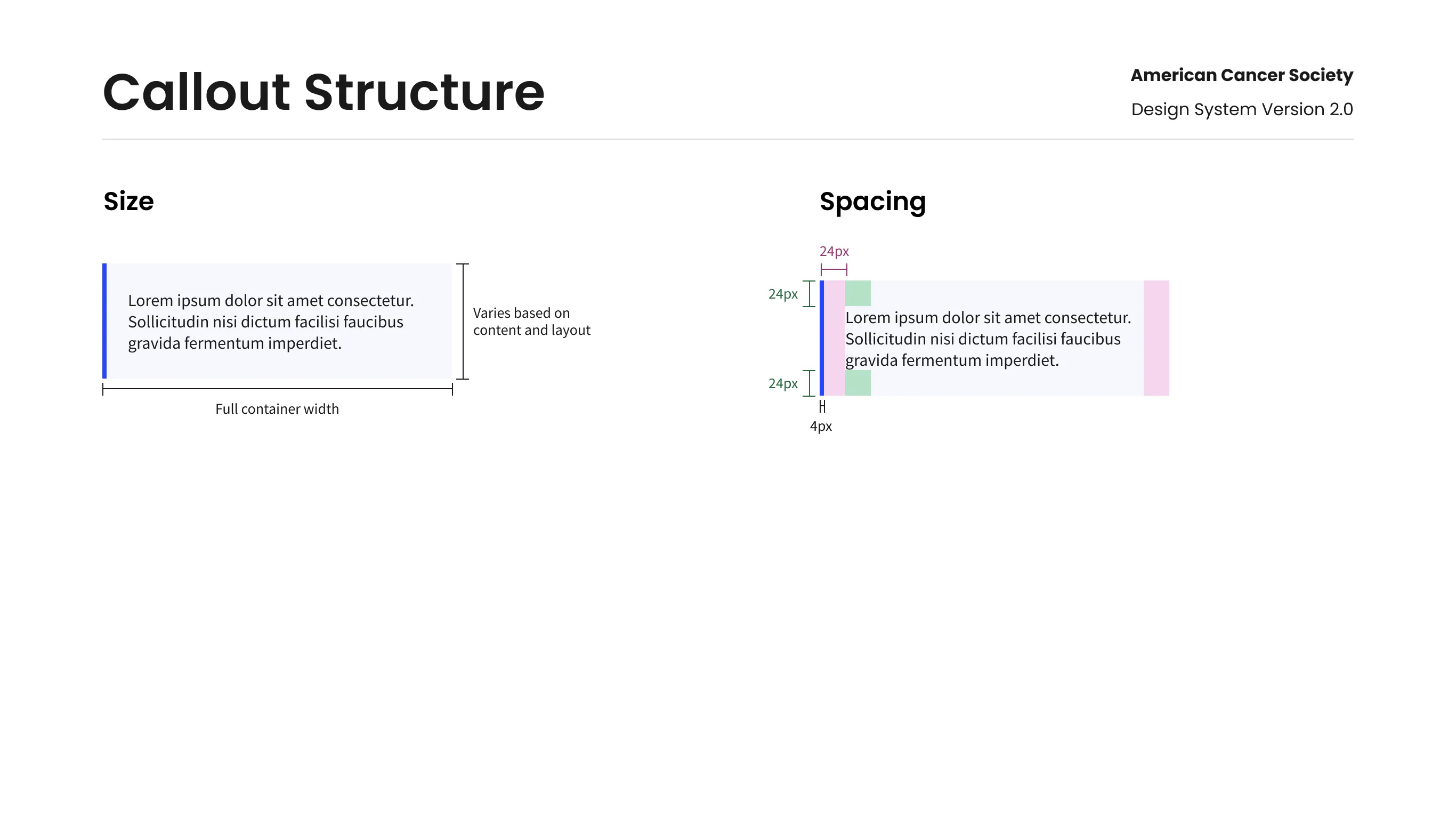
The biggest challenge was handing off designs to developers. I prioritized a developer-first approach by removing guesswork, setting clear expectations, and defining consistent patterns, so designers and developers could work from the same source of truth.
Improving speed, consistency, and collaboration
Reusable components, documentation, and shared standards reduced friction across the entire design-to-development workflow.
Faster Delivery
Reduced repetitive work, helping teams design and ship screens faster
Improved Consistency
Shared components and guidelines created a more unified user experience
Reduced Rework
Clear specs improved designer-developer handoff and minimized rework
Systems Thinking
Design systems are products, not just component libraries. Their success depends on product thinking, governance, and continuous collaboration.
Strong Foundations
A design system's strength comes from a solid foundation. Consistent tokens, patterns, documentation, and workflows create lasting value.
Drive Adoption
Adoption doesn't happen automatically. A design system creates impact only when teams understand it, trust it, and choose to use it consistently.